
Football
Premier League Matchday
90 minutes of tension, and updates change every minute
Start live play
In Bangladesh, watching football and cricket, the m1 Sports App is quite useful; from Dhaka, many start quickly using bKash, Nagad and Rocket
Download m1 APK View m1 Login Guide
Here we focus on four matches; during live play changes happen quickly, so updates are essential
Football
90 minutes of tension, and updates change every minute
Start live play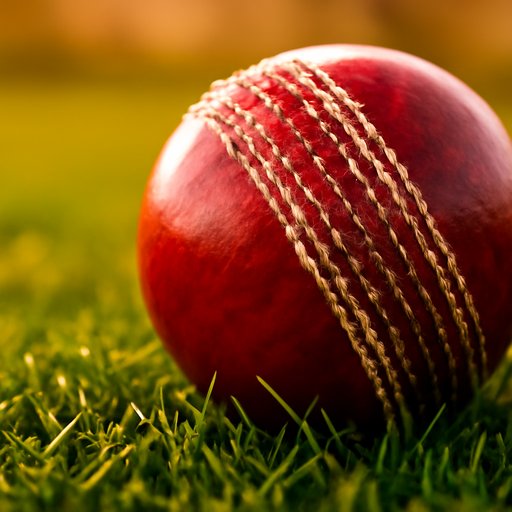
Cricket
Understand the over pace, decisions become easier
View updates
Tennis
A break point changes the live situation
View now
Basketball
Scores change quickly, so live play is more useful
Quick loginAmong 373+ options, these 6 sections are most searched by Bangladeshi users, with football and cricket at the top.
Leagues, cups and live events can be viewed together
Choose footballOver-by-over updates make reading easier
Watch cricketLive focus on set, game and break point
Open TennisQuarter-based markets change quickly
Watch basketballSmall markets align with sprint and finish
Choose athleticsSet-based progression helps you decide
Open volleyballThree things to grasp to start: timing, pace, and match flow
| Step | Task | Result |
|---|---|---|
| 1 | Check updates before the match | First understand the market picture |
| 2 | View live score and pace | You can tell when changes occur |
| 3 | Make quick decisions on mobile | Delays reduce, and focus stays on the match |
Many users in Dhaka and Chittagong refresh the screen during a match even on 3G; logging into bKash or Nagad makes it easier
Installation isn't long; most users finish within 3 minutes
Download the m1 APK from /apk_m1.html
Enable unknown sources permission on Android once
Log in and enter the sports section
Here Install Guide More Registration pageAnd it helps; new users first create an account, then view the sports menu.
m1 has run since 2016 with an average rating of 4.3/5, 64,350 reviews and 99.7% uptime.
The sports page shows markets from 25 countries, but Bangladesh users search football, cricket, and live action; fast load and a clean layout are advantages.
bKash, Nagad and Rocket are three names most heard; users in Dhaka, Sylhet and Rajshahi usually go with these.
If you don't have an account, m1 registration Check the page; if login issues m1 Login guide will help
It shows sports details, live action, and football markets together; quick open from mobile helps keep track of matches.
Direct Download m1 APK Find it on the page; install Android and login
bKash, Nagad and Rocket are the most well-known; many start quickly from Dhaka using these.
Usually the screen opens in 1-2 minutes; during the match, updates change, so quick viewing helps.
Yes, both types of markets can be viewed separately from the sports menu; quickly open whichever you want.
Final word on the m1 Sports App: this page is the easy path for live football.